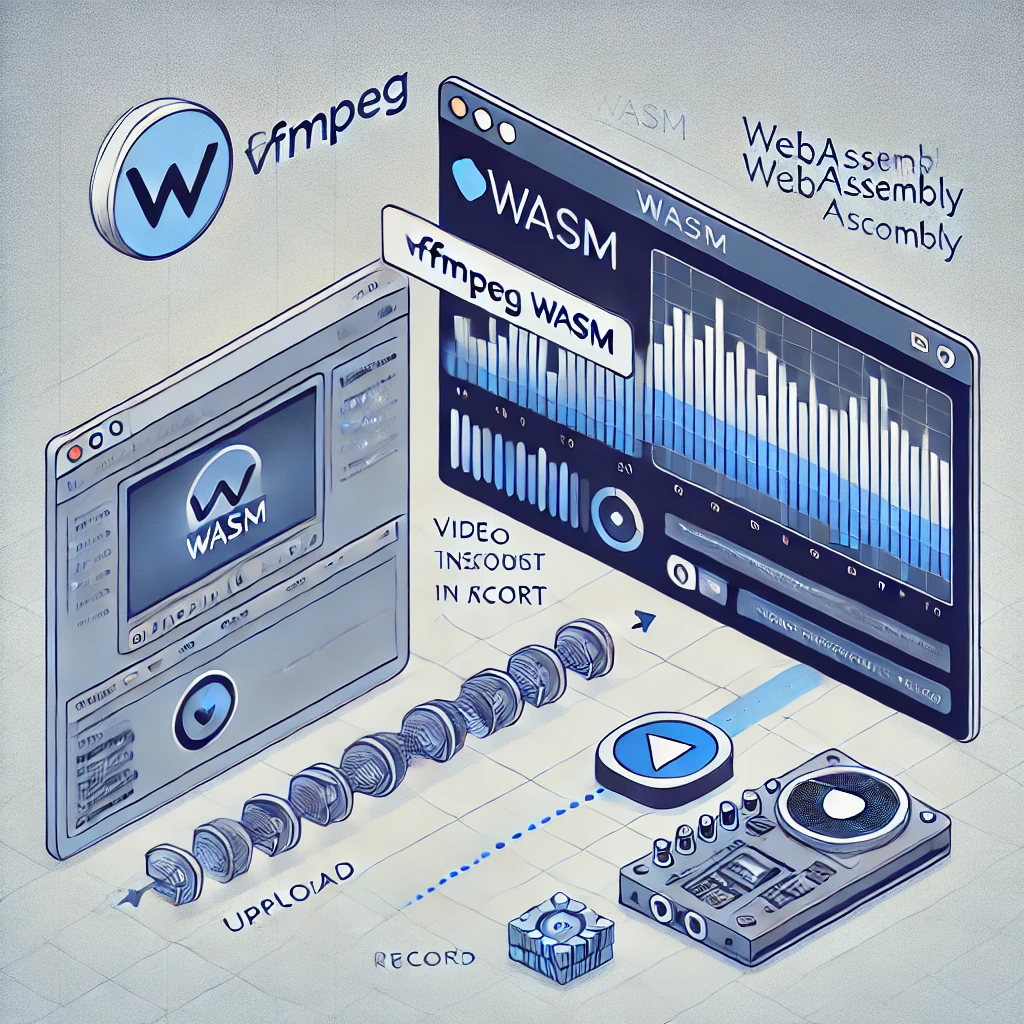
Mastering FFMPEG WASM
FFMPEG WASM is a powerful library that brings the capabilities of FFMPEG, the industry-standard multimedia tool, directly to the browser. By leveraging WebAssembly, it enables client-side video and audio processing, including recording, transcoding, and even streaming—all without relying on server-side infrastructure.
Explore the demo: FFMPEG WASM Demo Project.

🚀 Why Use FFMPEG WASM?
-
Offloads Server Load: Shift intensive video encoding tasks to the client-side, reducing server costs and improving scalability.
-
Full Browser Compatibility: Enables real-time video and audio processing directly in user agents (browsers).
-
SharedArrayBuffer for Multi-Threading: Leverages efficient memory management and multi-threading to handle large media files seamlessly.
-
Versatile Media Formats: Transcode and convert between various video and audio formats directly in the browser.
🟢 Advantages
- Scalable Architecture: Encode, convert, and process media on the client side, freeing server resources.
- Efficient Multi-Threading: Uses SharedArrayBuffer to minimize memory usage and boost performance.
- Cross-Platform: Works across modern browsers with WebAssembly support.
- No Installation Needed: Lightweight and runs entirely in the browser.
.
🔴 Limitations
- Large File Size: The ffmpeg-core.wasm file (~32 MB) must be downloaded by the client, which could affect load times.
- No RTMP Streaming: While transcoding is supported,
live streamingto RTMP endpoints is not included. - Complex Headers Setup: Requires CORS and security headers (COEP, COOP, CORP) for enabling features like SharedArrayBuffer.
🔧 How to Use FFMPEG WASM?
1. Install Static Handler for Headers
To use SharedArrayBuffer in the browser, add these headers to your server:
{
    "Cross-Origin-Embedder-Policy": "require-corp",
    "Cross-Origin-Opener-Policy": "same-origin"
}
Serve your static files with:
npx static-handler --cors --coop --coep --corp -p 8080 ./
2.Efficient Media Processing
Transcode videos or process audio files directly in the browser, reducing server dependency.
🌟 Real Benefits of Using FFMPEG WASM
- On-the-Fly Media Conversion: Easily convert user-uploaded videos to compatible formats directly in the browser.
- Improved User Experience: Enable users to edit, trim, and enhance videos without uploading files to a server.
- Cost-Effective:
No need for expensiveserver-side transcoding infrastructure.
🖥️ Demo in Action
Check out this real-world example FFMPEG WASM Demo Project.
🧠 Learn More
For a deep dive into how SharedArrayBuffer optimizes memory usage and enables multi-threading, read:
By embracing FFMPEG WASM, you bring cutting-edge video and audio processing to your browser-based applications—efficiently and cost-effectively.