Explain Docker and CI/CD — The DevOps Kitchen Comic
Forget boring docs! Let’s learn Docker and CI/CD as if we’re in a kitchen full of magical chefs, robot butlers, and delicious automation. (Still want the real techy stuff? Head to Docker's official site.)
🚀 Page 1: Docker — Your Magic Kitchen in a Box
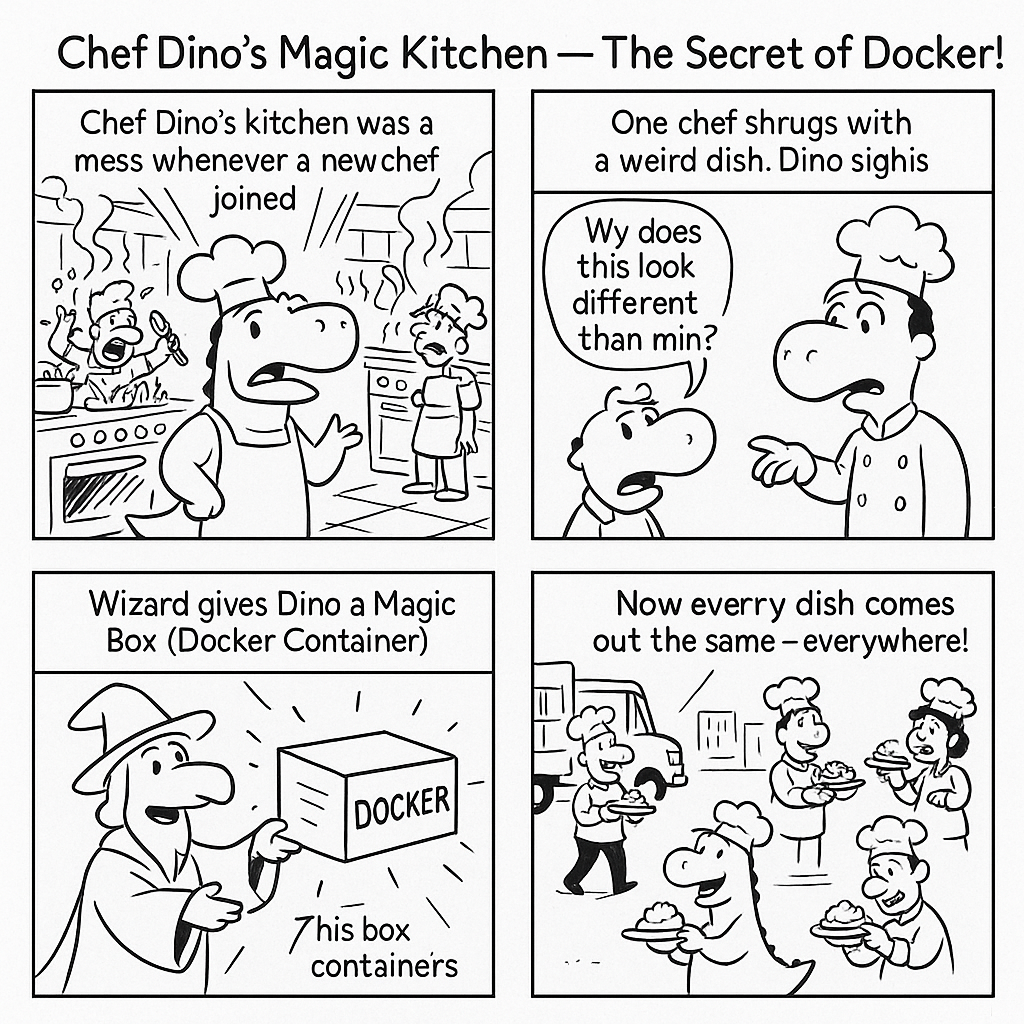
Panel 1: Chaos in the Kitchen
Messy kitchen, chefs yelling, food burning.
Text: “Chef Dino’s kitchen was a mess whenever a new chef joined.”
Panel 2: “It works on my stove!”
A confused chef serves a questionable dish.
Dino sighs.
Text: “Every chef’s setup was different. The recipes? Unpredictable.”
Panel 3: Enter the Wizard: Docker!
A wizard appears with a glowing box labeled ‘Docker’.
Wizard: “Inside this box: your stove, your tools, your recipe — all ready to go!”
Panel 4: Cloning the Container
Dino clones the Docker box and ships it to chefs around the world.
Text: “Now, every chef makes the same dish, every time, everywhere!”

Page 2: CI/CD — The DevOps Butler
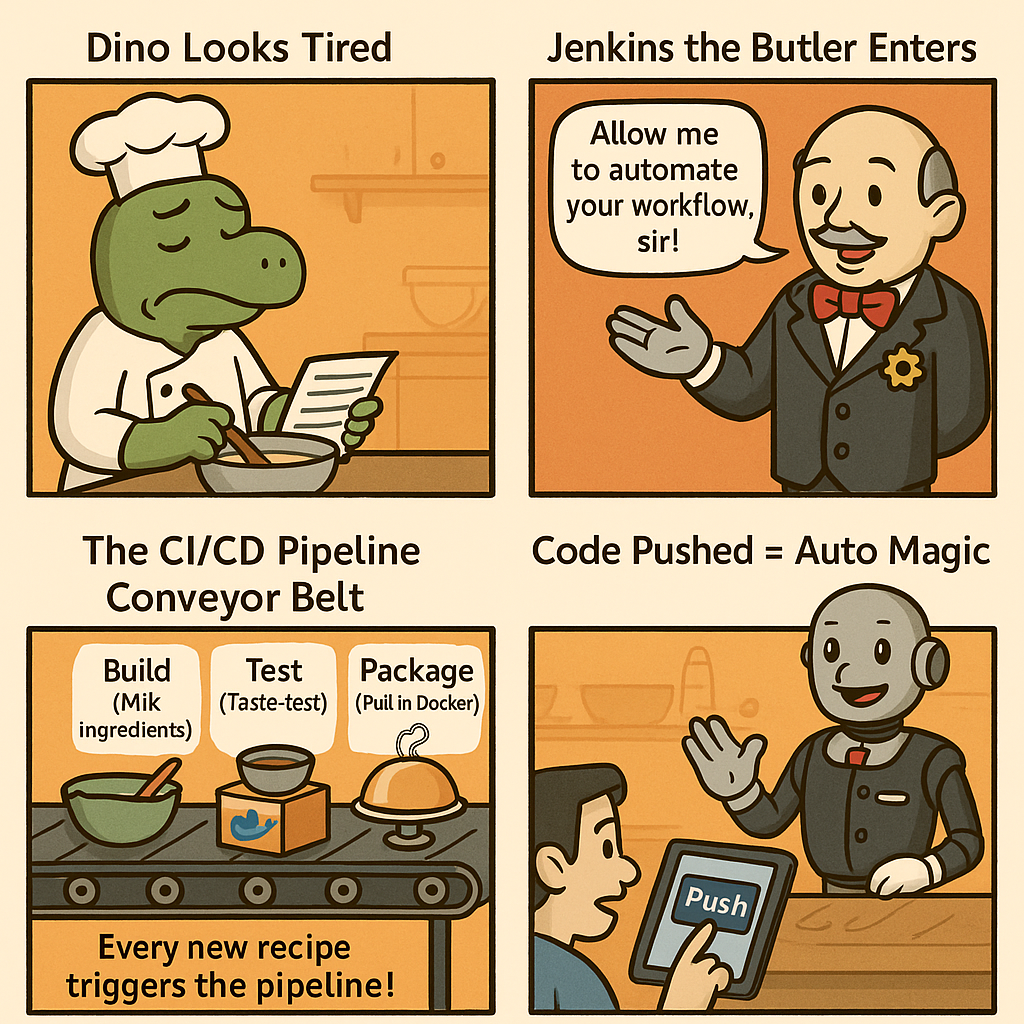
Panel 1: Dino Still Tired
Dino checks a long to-do list, manually taste-tests dishes.
Text: “Even with Docker, Dino had to test and deliver every dish by hand.”
Panel 2: Meet Jenkins! - the CI/CD robot butler
A classy robot butler rolls in with gears and a clipboard.
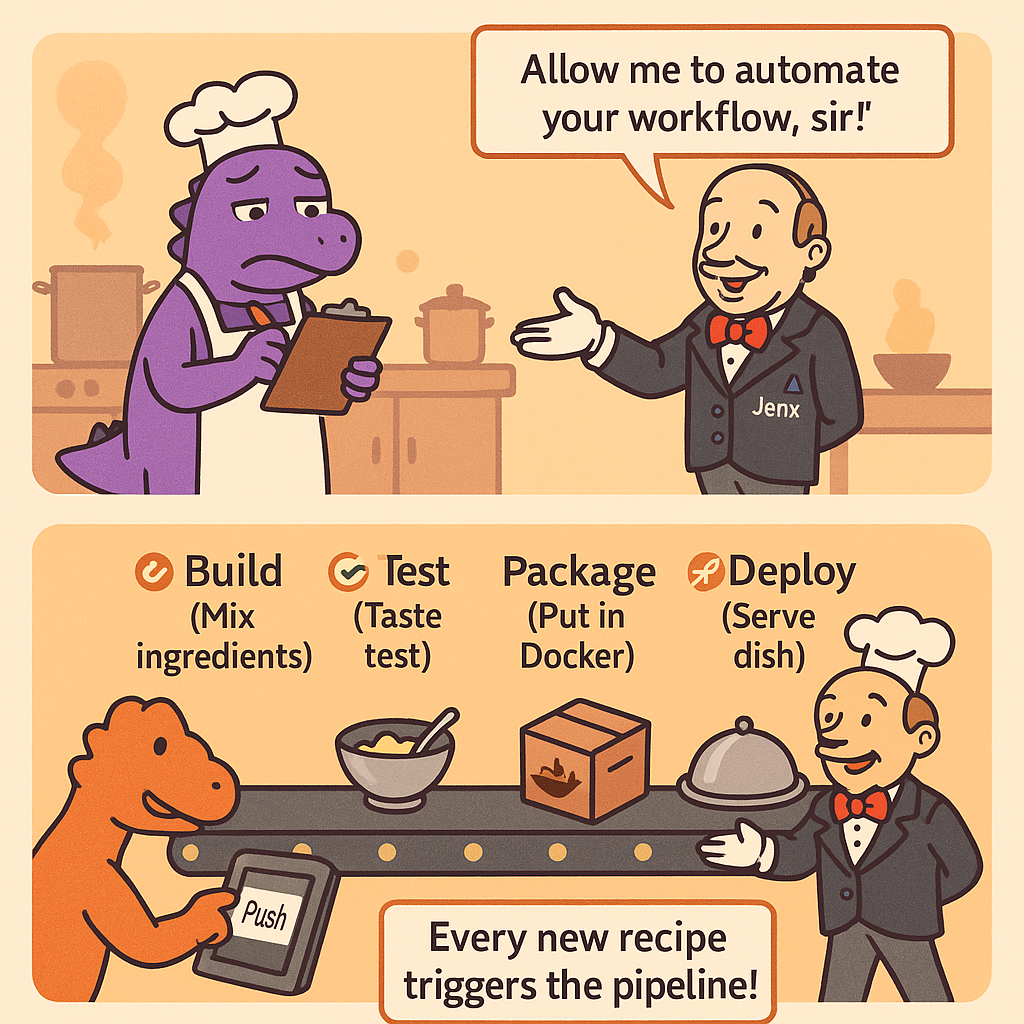
Jenkins: “Sir, I’ll automate your entire kitchen!”
Panel 3: CI/CD Conveyor Belt Magic
Jenkins oversees a conveyor belt with four fun steps:
Jenkins: “Sir, I’ll automate your entire kitchen!”
- 🧪 Build – Mix the ingredients
- ✅ Test – Taste test it
- 📦 Package – Put it in a Docker box
- 🚀 Deploy – Serve it hot!
Panel 4: Code Pushed = Auto Magic
A Dev-Chef taps “Push” on GitHub. Jenkins jumps into action!
Jenkins springs into action along the belt.
Text: “Each new recipe triggers the pipeline automatically!”

Page 3: CI/CD Success — Kitchen Zen Achieved
Panel 1: Smiles All Around
Dino relaxes with tea. Jenkins bows. Customers devour perfect meals.
Text: “Thanks to automation, every dish is a hit!”
Panel 2: What’s in CI/CD Pipeline Summary Scroll?
A scroll labeled “DevOps Spellbook” floats in the air.
- CI (Continuous Integration): Test every recipe change 🧪
- CD (Delivery): Ready to go at any moment 📦
- CD (Deployment): Serve it automatically! 🚀
Panel 3: Dino’s Quote of the Day
Spotlight on Dino in a chef’s hat.
Dino: “With Docker and Jenkins, my kitchen runs itself — faster, safer, and tastier!”
End Caption:
🦖 The DevOps Kitchen: Where every push becomes a perfect plate!
Complete Flow

📚 Further Reading: Level Up Your DevOps Skills
Want to go beyond the comic kitchen? Here are some awesome official resources to explore more:
🐳 Docker – What is a Container? Learn how Docker works and why it's so powerful: 👉 https://www.docker.com/resources/what-container/
🤖 Jenkins – Automation Superpowers Dive into Jenkins docs and pipelines: 👉 https://www.jenkins.io/doc/
🔁 CI/CD Explained – From Code to Deployment Atlassian’s beginner-friendly guide on Continuous Integration & Continuous Delivery: 👉 https://www.atlassian.com/continuous-delivery